
SMOVIE WORKSHOPS

Produce your Final Impact Clip with your smartphone – easy, fast and personal!
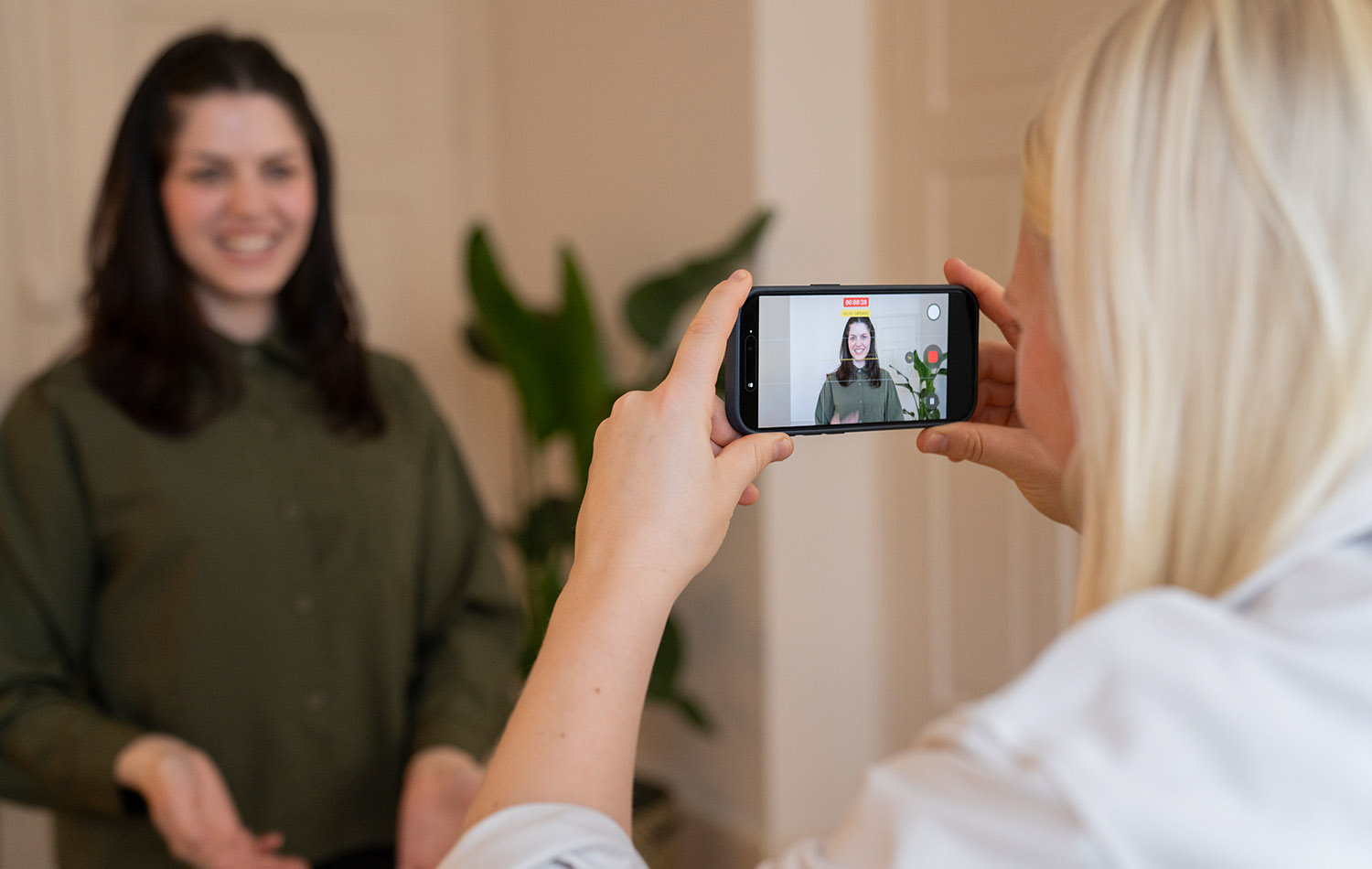
Die Gebert Rüf Stiftung und die Peter Bopp Stiftung laden Sie zu einem 1-Tages-Workshop ein. Smovie sind die Experten in Sachen Handyvideos: filmen, schneiden und posten – alles mit dem Smartphone. Im Kurs lernen Sie, wie Sie mit Ihrem eigenen Handy den «Final Impact Clip» produzieren, inhaltlich wie auch formal. Einfach, schnell und persönlich.
The Gebert Rüf Stiftung and the Peter Bopp Stiftung invite you to a 1-day workshop. Smovie are the experts in smartphone videos: filming, editing and posting – all with your mobile phone. In the course you will learn how to produce the «Final Impact Clip» with your smartphone, both in terms of content and form. Easy, fast and personal.
Workshop
Ein Tagesworkshop, gefolgt von einem Online-Coaching bei Bedarf, bis vier Wochen nach dem Kurs und einer Schlussbeurteilung.
Am Workshop lernen Sie das Filmhandwerk und erhalten praktische Tipps, wie Sie mit Ihrem Smartphone ein qualitatives Video Ihres Innovationsprojekts erstellen – die Grundlage für den «Final Impact Clip», der mit dem Schlussbericht des Projekts eingereicht wird.
Sprachen
Deutsch oder Englisch (siehe Kursedaten)
Kosten
Die Stiftung übernimmt gemäss Fördervertrag die Kosten von CHF 1000 für eine Workshop-Teilnahme pro Projekt.
Inhalt
Workshop-Themen und integrierte Leistungen:
- Final Impact Clip: Planung, Umsetzung und Feinschliff
- Handyfilme: Stärken und Schwächen
- Hardware: Einstellungen Smartphone
- Filmhandwerk: Bildkomposition, Kameraführung, szenische Umsetzung
- Interview: Film- und Fragetechnik
- Reporting: Sicher und überzeugend vor der Kamera
- Voiceover: Videoclips professionell besprechen
- Editing: Schneiden auf dem Smartphone
- Branding: Grafiken und Logos einsetzen
- Aufbau: Inhaltliche Struktur des «Final Impact Clip»
Vorkenntnisse und Equipment
Es sind für die Teilnahme keine Vorkenntnisse nötig.
Sie brauchen bloss ein geladenes Smartphone mit aktuellem Betriebssystem, eigene Kopfhörer und ein Ladegerät oder eine Powerbank.
Laden Sie vor dem Kurs die Gratis-Schnitt-App «VN-Editor» herunter, entweder für iOS oder für Android.
Online Coaching
Die Smovie Coaches begleiten Sie nach dem Workshop weitere vier Wochen online in einer WhatsApp-Gruppe und stehen vor der Einreichung des Schlussberichts für die Beurteilung des «Final Impact Clip» zur Verfügung. Den Link zur WhatsApp-Gruppe senden wir dir bereits vorab per Mail zu.
Final Impact Clip
Sie produzieren mit Unterstützung der Coaches von Smovie ein 2-minütiges Video über Ihr Projekt. Es soll folgende Fragen beantworten:
- Herausforderung: Welches Problem löst das Projekt?
- Stand/Lösung: Welches Produkt/Angebot bzw. welche Dienstleistung liegt nach Projektende vor und wo wird die Lösung in der Gesellschaft/Wirtschaft eingesetzt?
- Ausblick: Was sind die nächsten Schritte der Umsetzung?
Leitlininen
Leitlinien Final Impact Clip D (PDF)
Der «Final Impact Clip» wird mit dem Schlussbericht eingereicht und von der Stiftung veröffentlicht. Zielpublikum ist die breite Öffentlichkeit.
Fragen? Bitte kontaktieren Sie uns.
Anmeldung
Unten sind alle verfügbaren Workshopdaten mit Austragungsort und Sprache aufgeführt.
Melden Sie sich für einen Workshop Ihrer Wahl an. Sie erhalten umgehend ein Bestätigung per E-Mail, sowie rund 7-10 Tage vor der Austragung eine Erinnerung mit allen Detailinformationen. Blockieren Sie das Datum bitte in Ihrem Kalender.
Workshop
A one-day workshop, followed by online coaching if required, up to four weeks after the course, and final assessment.
The workshop will teach you the basics of filming and give you practical tips on how to use your smartphone to create a high-quality video of your innovation project – the basis for the «Final Impact Clip», which will be submitted with the final report of the project.
Languages
German or English (see workshop dates)
Costs
Under the terms of the funding agreement, the foundation will cover the cost of CHF 1000 for one workshop participant per project.
Content
Workshop topics and included services:
- Final Impact Clip: planning, production and fine-tuning
- Mobile phone videos: strengths and weaknesses
- Hardware: smartphone settings
- Filming: image composition, camera work, scenic realisation
- Interview: filming and questioning techniques
- Reporting: confident and convincing in front of the camera
- Voiceover: professional voiceovers for video clips
- Editing: cutting on the smartphone
- Branding: use graphics and logos
- Set-up: content structure of the «Final Impact Clip»
Prior knowledge and equipment
No previous knowledge necessary for participation.
All you need is a charged smartphone with an up-to-date operating system, your own headphones and a charger or power bank.
Before the course, download the free editing app «VN-Editor», either for iOS or for Android.
Online Coaching
Following the workshop, the Smovie Coaches will continue to support you online for a further four weeks via a WhatsApp group and will be available to assess the «Final Impact Clip» prior to the submission of the final report. We’ll send you the link to the WhatsApp group in advance by email.
Final Impact Clip
With the support of the Smovie coaches you will produce a 2-minute video about your project. It should answer the following questions:
- Challenge: What problem does the project solve?
- Status/solution: What product/offer or service will be available at the end of the project and where will the solution be applied in society/the economy?
- Outlook: What are the next steps for implementation?
Guidelines
Guidelines Final Impact Clip E (PDF)
The «Final Impact Clip» will be submitted with the final report and published. The target audience is the general public.
Questions? Please contact us.
Registration
All available workshop dates, along with the venue and language, are listed below.
Register for a workshop of your choice. You will receive a confirmation email immediately, followed by a reminder with all the details 7–10 days before the workshop. Please block the date in your calendar.
Choose your workshop

#smovielovesyou